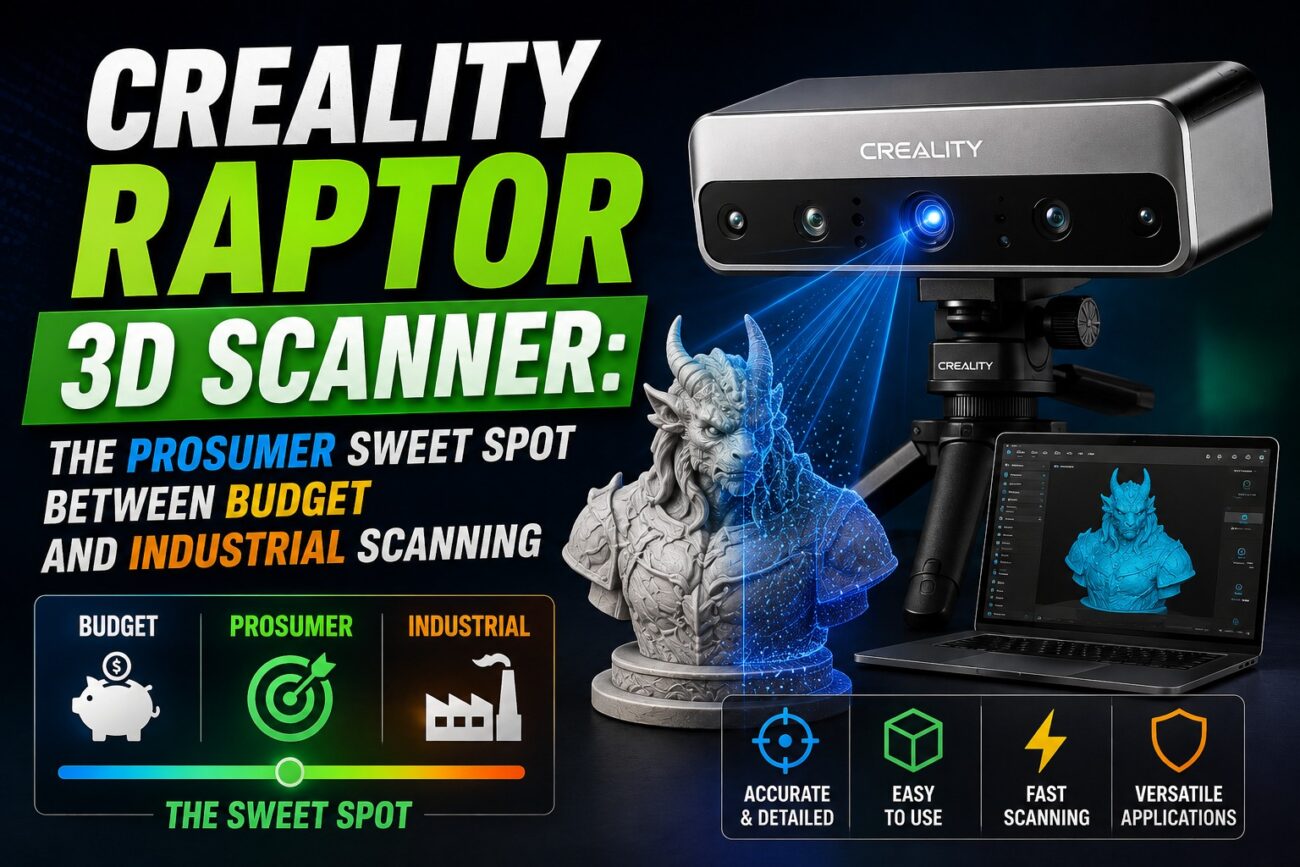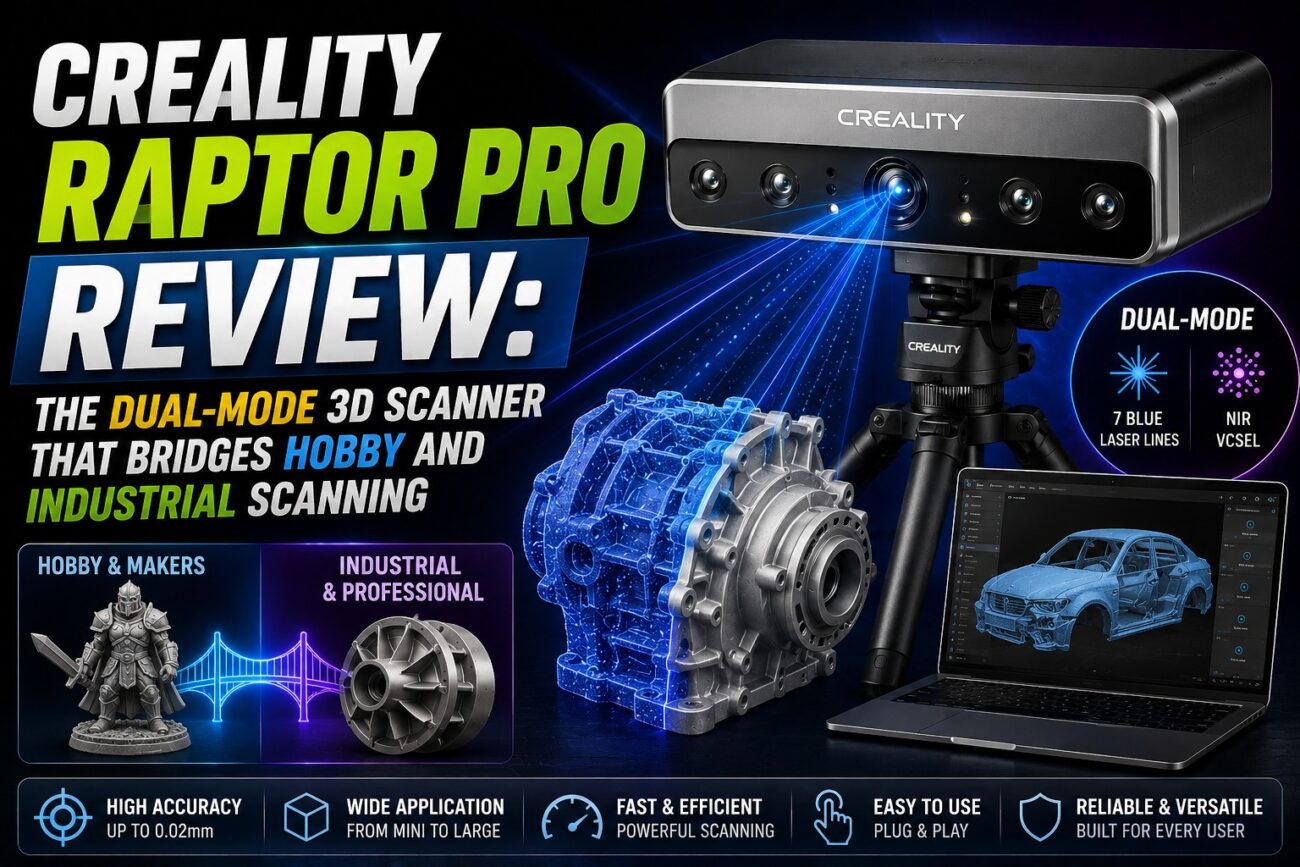
If you’ve ever wanted to skip modeling entirely and capture a real object straight into a 3D-printable file, the Creality Raptor Pro is one of the most capable tools available at its price point. It’s a handheld, dual-mode 3D scanner that blends a blue laser system with near-infrared (NIR) structured light, giving makers, engineers, and product designers a single device that can handle both fine mechanical detail and full-color, full-body scans.
Key Features of the Creality Raptor Pro
Dual-Mode Scanning Engine
The Raptor Pro switches between a 22-line cross blue laser array (with a 7-line parallel mode for fine detail) and an NIR structured-light mode. Blue laser mode is built for hard, reflective, or intricate parts; NIR mode is markerless and ideal for organic shapes, interiors, and people.
Genuine Industrial-Grade Accuracy
Creality rates the Raptor Pro at up to 0.02 mm accuracy in blue laser mode and roughly 0.075 mm in NIR mode, with volumetric accuracy specified per ISO 10360-8. That’s precise enough for reverse engineering, mold-matching, and dimensional QA work, not just casual scanning.
660,000 Points/Second Capture Speed
At up to 60 fps in blue laser mode and 30 fps in NIR/color mode, the Raptor Pro captures data fast enough to scan medium-sized objects in minutes rather than the long, tedious sessions typical of budget scanners.
24-Bit Full-Color Texture Capture
NIR mode captures true color alongside geometry, so scans of figurines, product prototypes, or people come out with usable texture maps, not just grey mesh.
Massive Scan Range
From 5 mm miniatures up to 4-meter objects like vehicle panels, the Raptor Pro covers a genuinely wide range of project sizes without switching hardware.
Creality Raptor Pro Full Specifications
Specification | Details |
Scanning technology | Blue laser (22 cross + 7 parallel lines) + NIR structured light |
Accuracy | Up to 0.02 mm (blue laser), ~0.075 mm (NIR) |
Scanning speed | Up to 660,000 points/sec, 60 fps blue laser / 30 fps NIR |
Scan volume range | 5 mm – 4,000 mm objects |
Color capture | 24-bit full color, ~98.5% sRGB accuracy under standard lighting |
Connectivity | USB-C tethered (optional wireless Scan Bridge accessory) |
Export formats | STL, OBJ, PLY |
Included accessories | Tripod, turntable, calibration plate, carry case |
Who Should Buy the Creality Raptor Pro?
- Reverse engineering mechanical parts and spares that no longer have CAD files
- Capturing molds, tooling, and prototypes for redesign or repair
- Digitizing collectibles, sculptures, and cosplay props for 3D-printed reproduction
- Product design teams needing a fast bridge between physical models and CAD
- Game asset and VFX teams scanning props, costumes, or environment pieces
Pros and Cons
Pros
- Genuine 0.02 mm-class accuracy at a fraction of professional metrology-scanner pricing
- Two scanning modes cover both hard mechanical parts and organic/human subjects
- Fast capture speeds keep scanning sessions short
- Full-color output usable straight out of the box
Cons
- Software has a learning curve, especially for merging multi-session scans
- Blue laser mode needs tracking markers for best results, which adds setup time
- Tethered by default; wireless requires the separate Scan Bridge accessory
Frequently Asked Questions
Is the Creality Raptor Pro good for beginners?
It’s approachable for a first pro-level scanner, but expect a real learning curve. Budget time to learn marker placement and mesh cleanup before your first serious project.
Can the Raptor Pro scan people?
Yes, NIR mode is designed for markerless, full-body and portrait scanning, though very fine details like hair remain challenging for any optical scanner.
What’s the difference between the Raptor Pro and the standard Raptor?
The Raptor Pro adds the dual blue-laser/NIR system and higher rated accuracy, while the standard Raptor is a single-mode, lower-cost prosumer scanner.
Does the Raptor Pro work with any 3D printer?
Yes. Once you export a cleaned mesh as STL, it can be sliced and printed on any FDM or resin printer, including Creality, Bambu Lab, and Elegoo machines.
Final Verdict
The Creality Raptor Pro stands out in the professional 3d scanner category for makers who need reverse engineering mechanical parts and spares that no longer have cad files. With the specifications and real-world use cases outlined above, it’s a strong candidate for anyone evaluating their next 3D printing or scanning investment.
Ready to buy the Creality Raptor Pro? Dream Shapes 3D stocks the Creality Raptor Pro with genuine manufacturer warranty, expert pre-sales advice, and after-sales support. Visit Dreamshapes3d.com to check current pricing and place your order today.