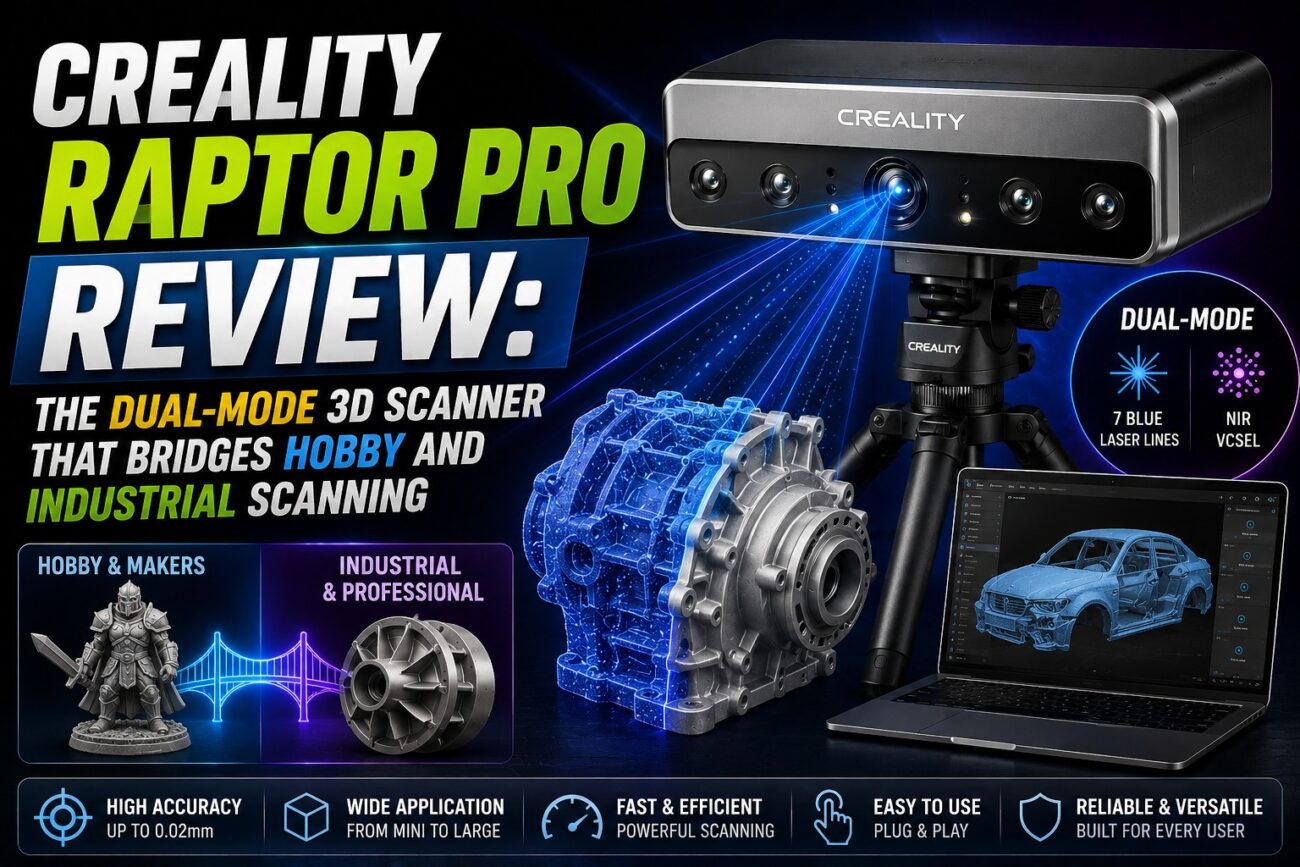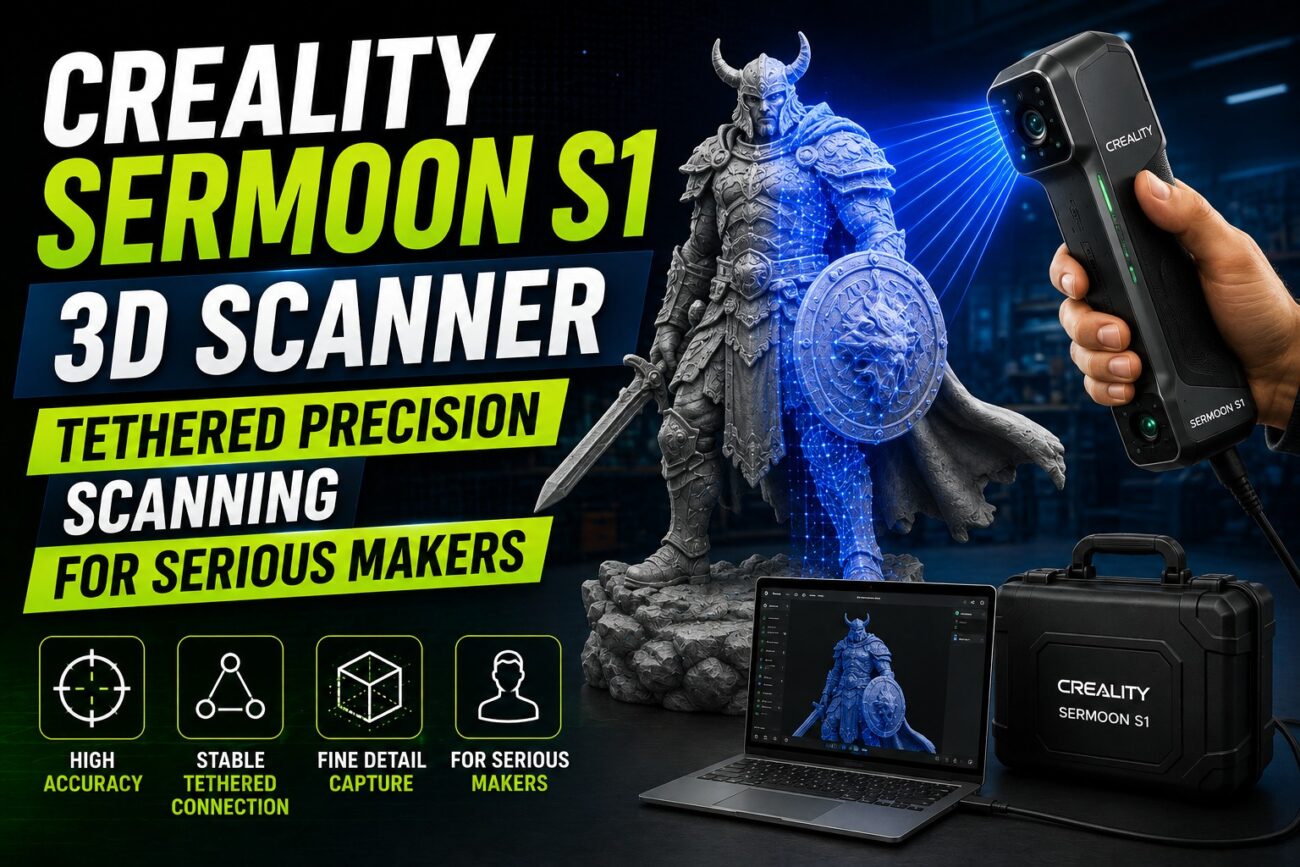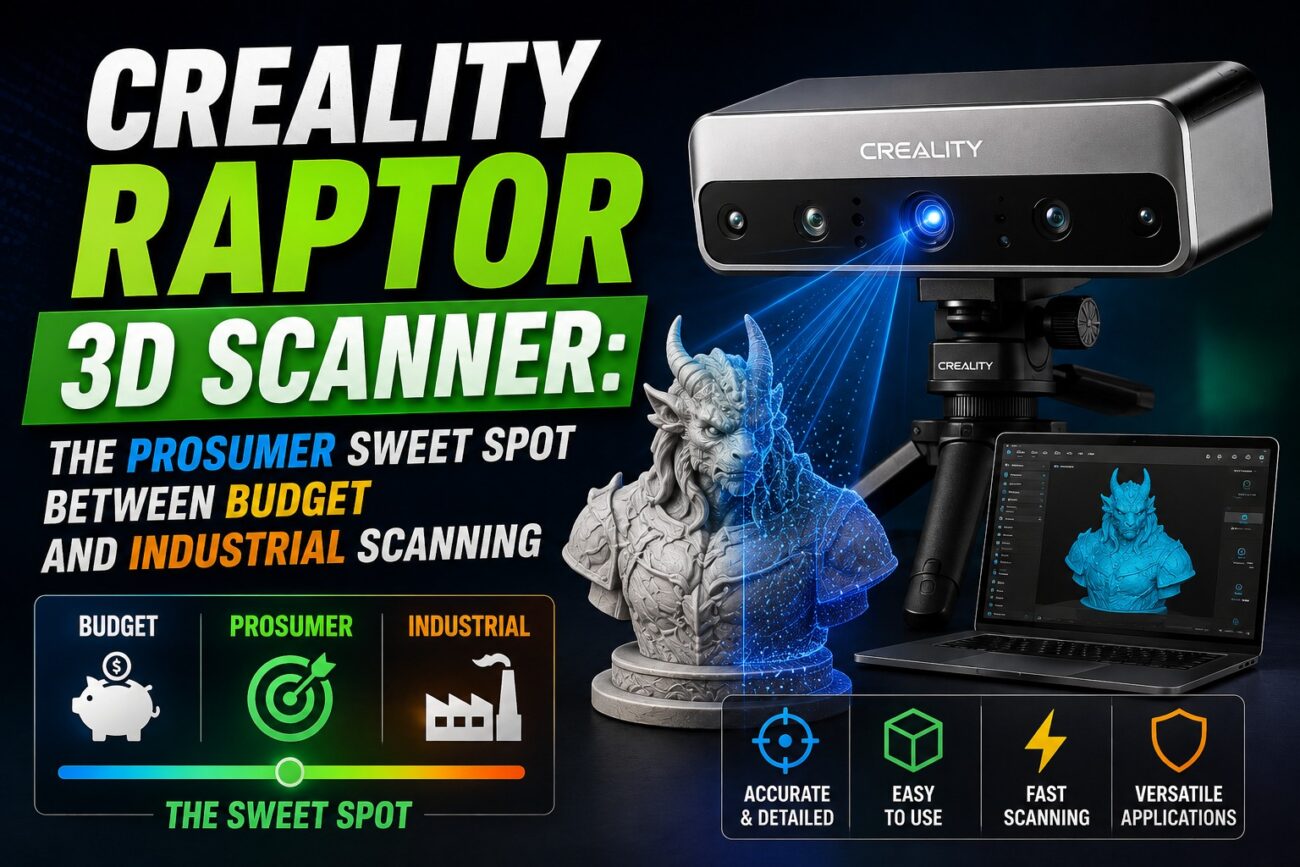
Consumer 3D scanners have long lived in two camps: cheap, imprecise handheld units under $900, or professional systems that start north of $5,000. The Creality Raptor was built to fill that gap, delivering laser-scanner accuracy and a built-in calibration workflow at a genuinely mid-range price, without the full feature set (or cost) of the flagship Raptor Pro.
Key Features of the Creality Raptor
Blue Laser Precision Scanning
The Raptor uses a structured blue-laser line system to capture geometry with strong repeatability, aimed squarely at makers who’ve outgrown photogrammetry apps and entry-level infrared scanners.
Included Glass Calibration Plate
Unlike many budget scanners, the Raptor ships with a glass calibration reference so you can verify and correct drift yourself, instead of trusting an unverifiable factory spec.
Built for Repeatable, Trustworthy Results
Where sub-$500 scanners vary scan-to-scan with temperature and handling, the Raptor’s calibration routine is designed to keep results consistent across sessions.
Positioned Between Consumer and Metrology-Grade Tools
At roughly $1,499, the Raptor sits well below scanners like EinScan H2 or Artec that start at $5,000+, while offering meaningfully tighter tolerances than $300–$900 consumer scanners.
Creality Raptor Full Specifications
Specification | Details |
Scanning technology | Blue laser line structured scanning |
Calibration | Included glass calibration plate for user recalibration |
Target accuracy class | Sub-0.1 mm, prosumer/pro tier |
Scan range | Small components to mid/large objects |
Export formats | STL, OBJ, PLY |
Connectivity | USB tethered |
Software | Creality Scan / CrealityScan companion app |
Who Should Buy the Creality Raptor?
- Makers upgrading from phone-based photogrammetry or entry-level IR scanners
- Small workshops digitizing parts for repair, replication, or archiving
- Hobbyists building a personal 3D-model library from real-world objects
- Educators teaching reverse engineering and digital fabrication workflows
Pros and Cons
Pros
- Meaningfully more accurate and repeatable than sub-$900 consumer scanners
- Included calibration plate lets you verify accuracy instead of taking it on faith
- Priced well below true industrial/metrology scanners
- Straightforward entry point into Creality’s wider scanning ecosystem
Cons
- Single blue-laser mode only — no NIR/color capture like the Raptor Pro
- Software polish still trails established metrology brands
- Best results still require good lighting and marker placement technique
Frequently Asked Questions
Is the Creality Raptor better than budget scanners under $900?
Yes, in accuracy and repeatability — the calibration plate and dedicated laser hardware put it in a different tier than smartphone-based or basic IR scanners.
Should I get the Raptor or the Raptor Pro?
Choose the standard Raptor if you mainly scan hard, non-organic objects and want to save money. Choose the Raptor Pro if you also need full-color capture and NIR mode for people or large interiors.
What file formats does the Raptor export?
STL, OBJ, and PLY, all compatible with standard CAD and slicing software.
Final Verdict
The Creality Raptor stands out in the prosumer 3d scanner category for makers who need makers upgrading from phone-based photogrammetry or entry-level ir scanners. With the specifications and real-world use cases outlined above, it’s a strong candidate for anyone evaluating their next 3D printing or scanning investment.
Ready to buy the Creality Raptor? Dream Shapes 3D stocks the Creality Raptor with genuine manufacturer warranty, expert pre-sales advice, and after-sales support. Visit Dreamshapes3d.com to check current pricing and place your order today.